Help your child stay protected from harmful content, balance app use, and build healthier digital habits.
“My child won't get off YouTube, Roblox, or TikTok.”
“Taking away the phone always leads to a fight.”
“I have no idea if they are playing games during school.”
“I'm constantly worried they'll stumble onto harmful websites.”
“I can't reach my child when they are on their phone.”
“I set up Screen Time, but it just wasn't sustainable.”
 Safe browsing
Screen time
Safe browsing
Screen time
Parents need simple tools to guide screen time, block harmful content and build safer digital boundaries.
See how BlockerMax compares to iOS, Family Link, and Qustodio.
| Features |
 BlockerMax
|
iOS Screen Time
|
Google Family Link
|
Qustodio
|
|---|---|---|---|---|
|
Adult Content Blocking
|
||||
|
Bypass Prevention (VPN / Proxy)
|
||||
|
Parental Lock (Child cannot change)
|
||||
|
Content Filter
|
||||
|
Location-based Protection
(e.g., School)
|
||||
|
Real-time Reporting
|
||||
|
Remote Blocking
|
||||
|
Easy Setup
|
||||
|
Uninstall Protection
|
Knowing the averages makes it easier to set a balance that fits your family.
Ages 5–8
Ages 9–12
Ages 13–18
Approximate daily entertainment screen time. Source: Common Sense Media.

Download the app and turn on safe browsing in minutes.
Choose the apps, websites and limits you want to block.

Keep harmful content away and check protection anytime.
No surprises, no hidden tricks. Explore every feature up front.

 Deniz
Deniz
 Instagram
 Roblox
 Snapchat
 Brawl Stars
 PUBG
PUBG OnlyFansBlocker Max
BlockerMax is not about spying. It's about helping families create safer boundaries together.
 Works with Screen Time
iPhone & iPad
Works with Screen Time
iPhone & iPad
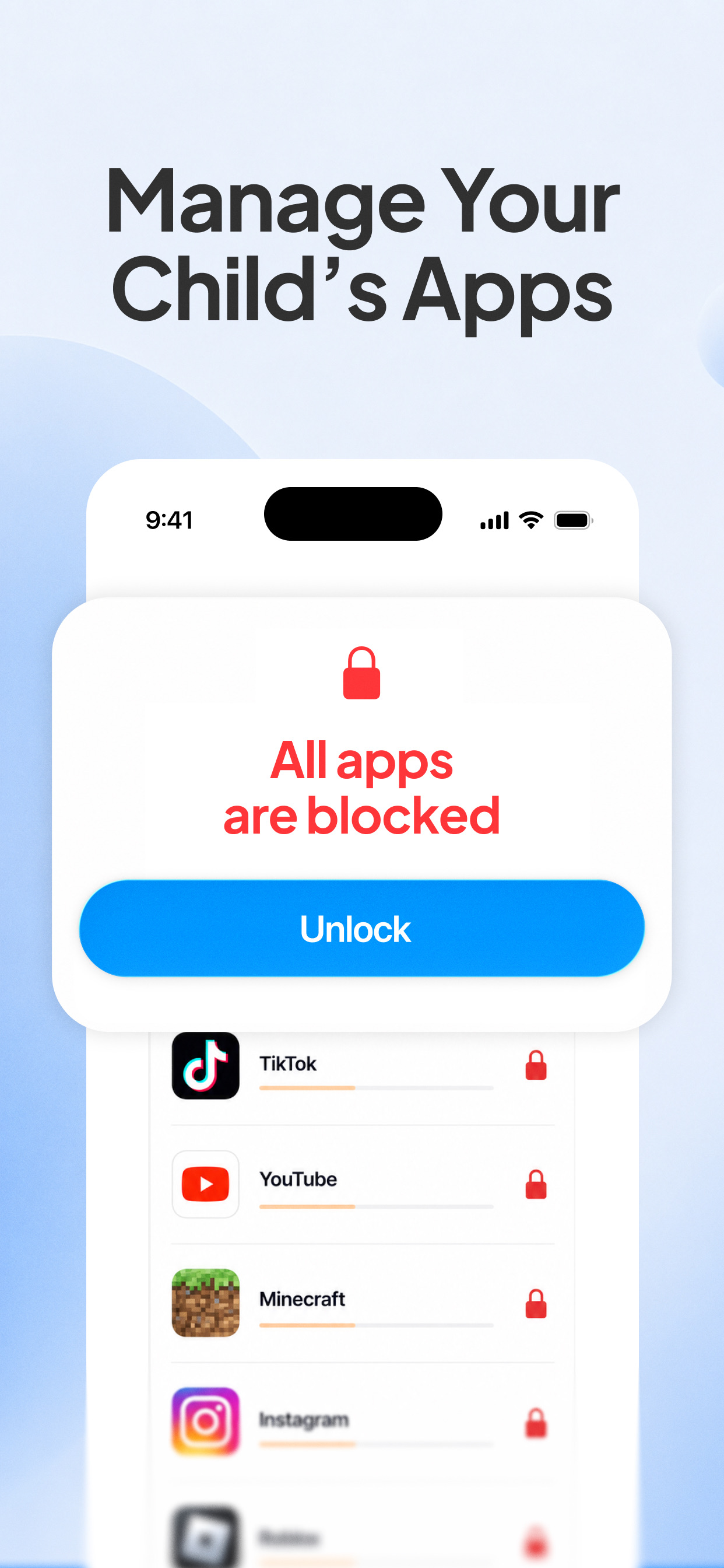
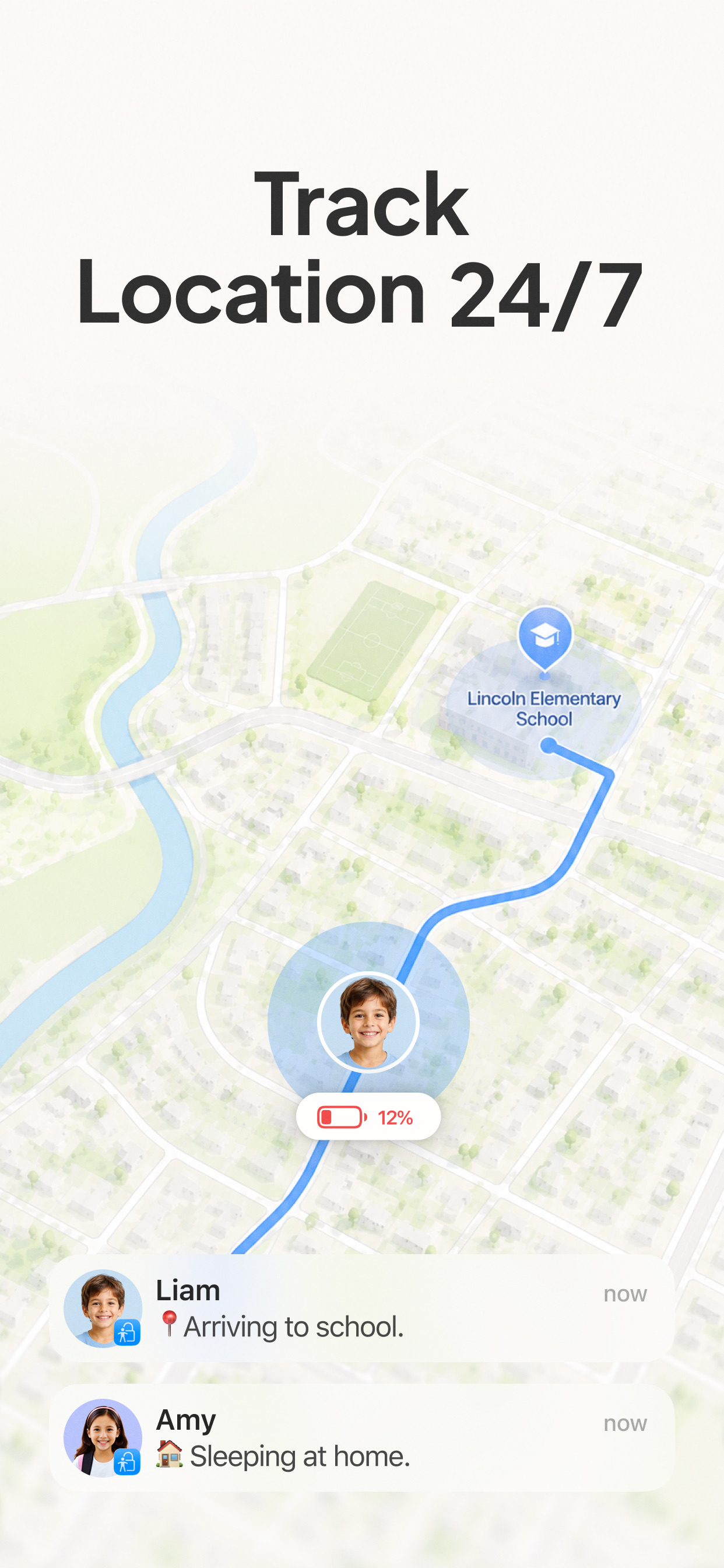
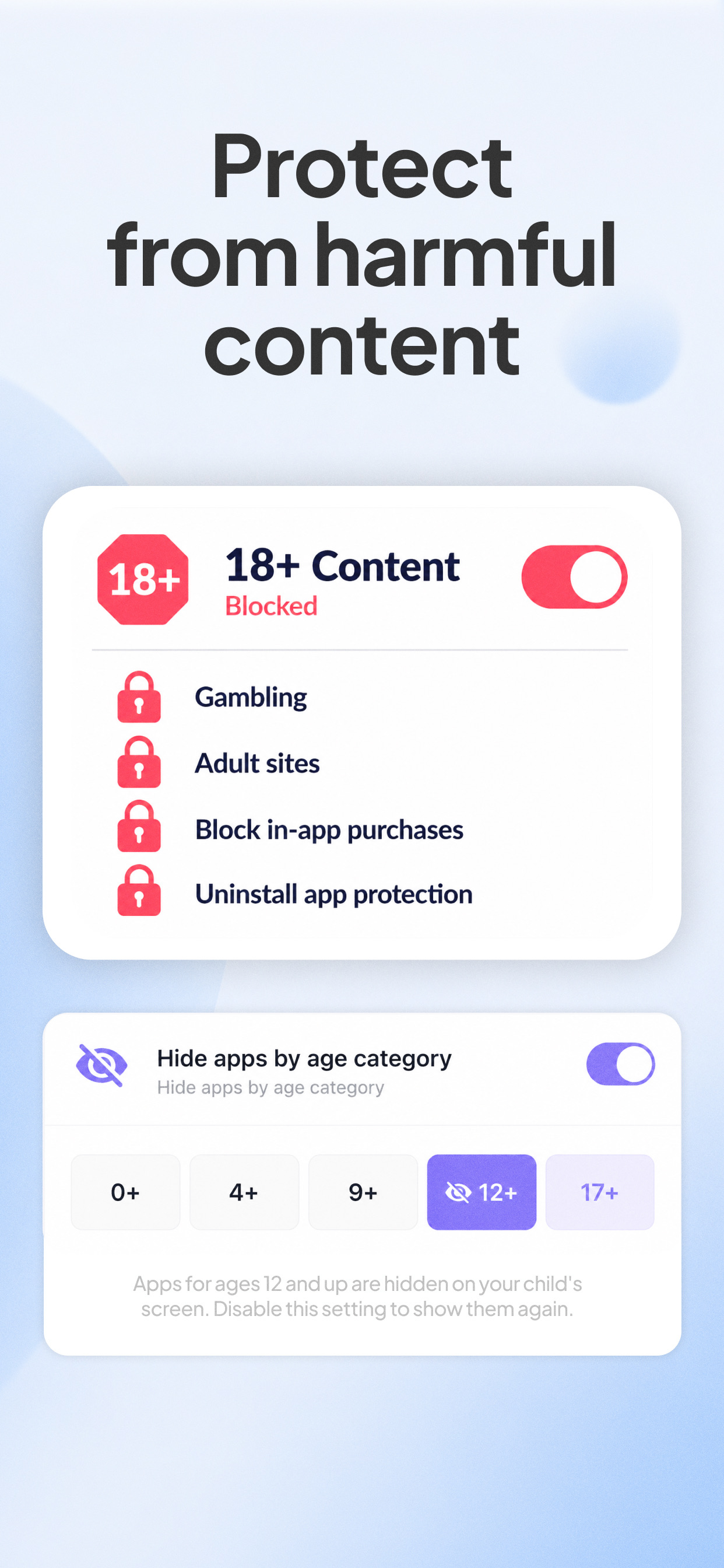
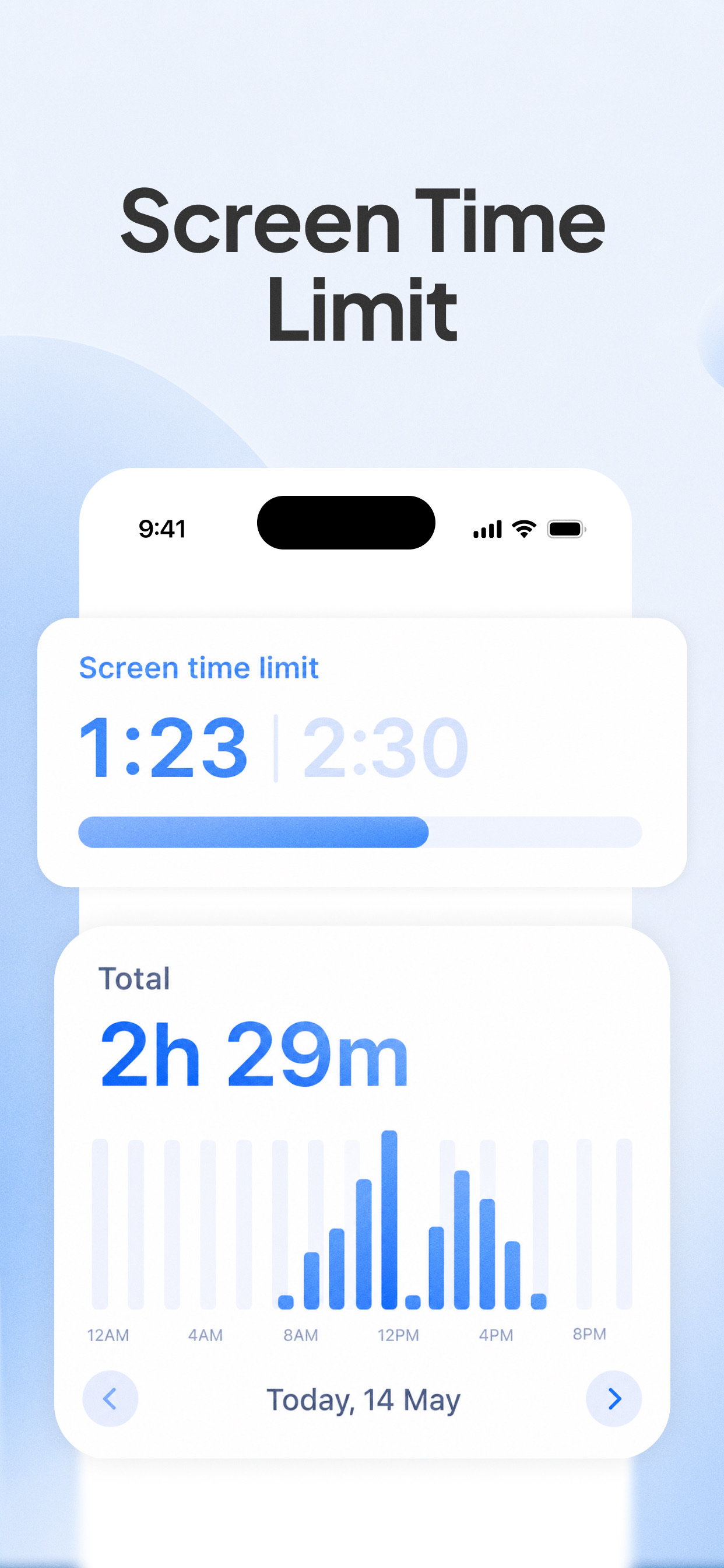
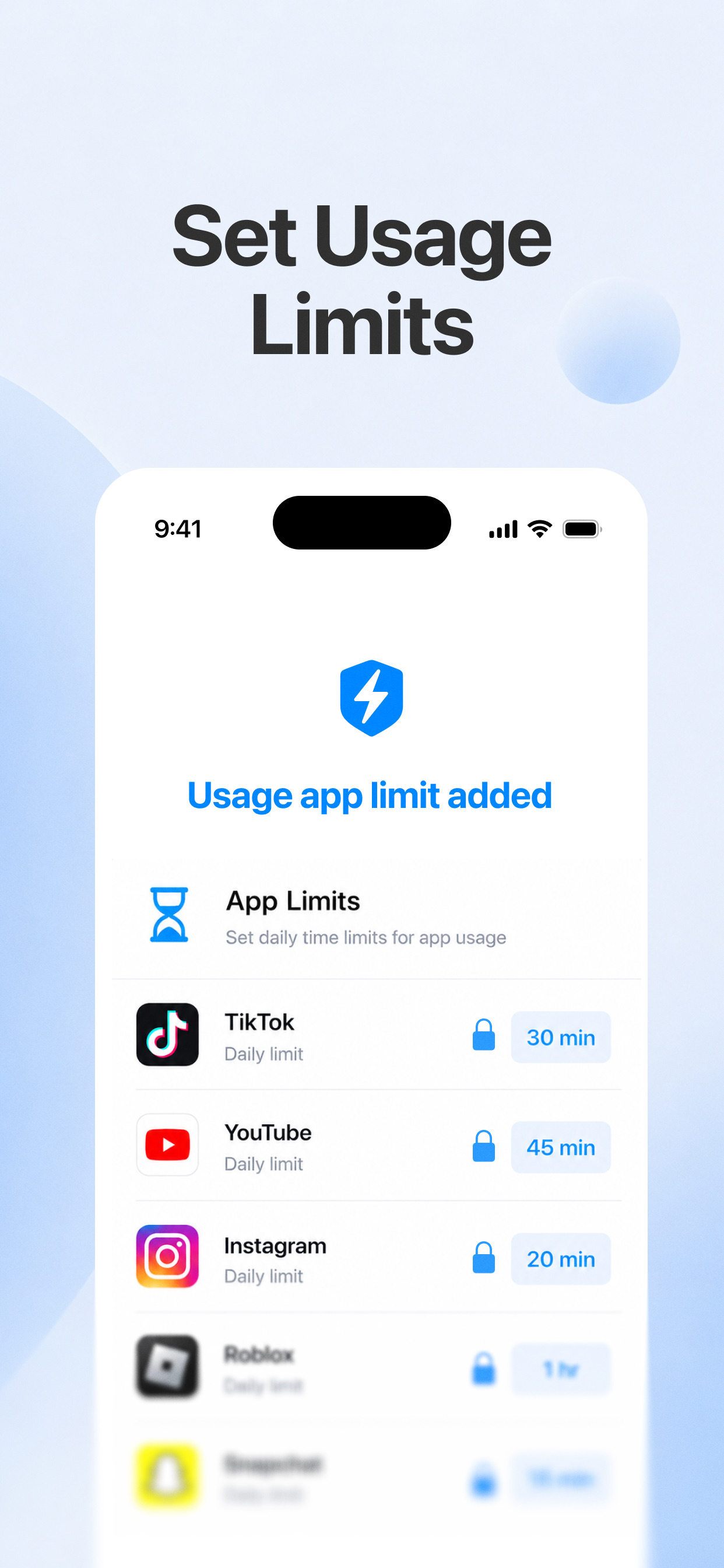
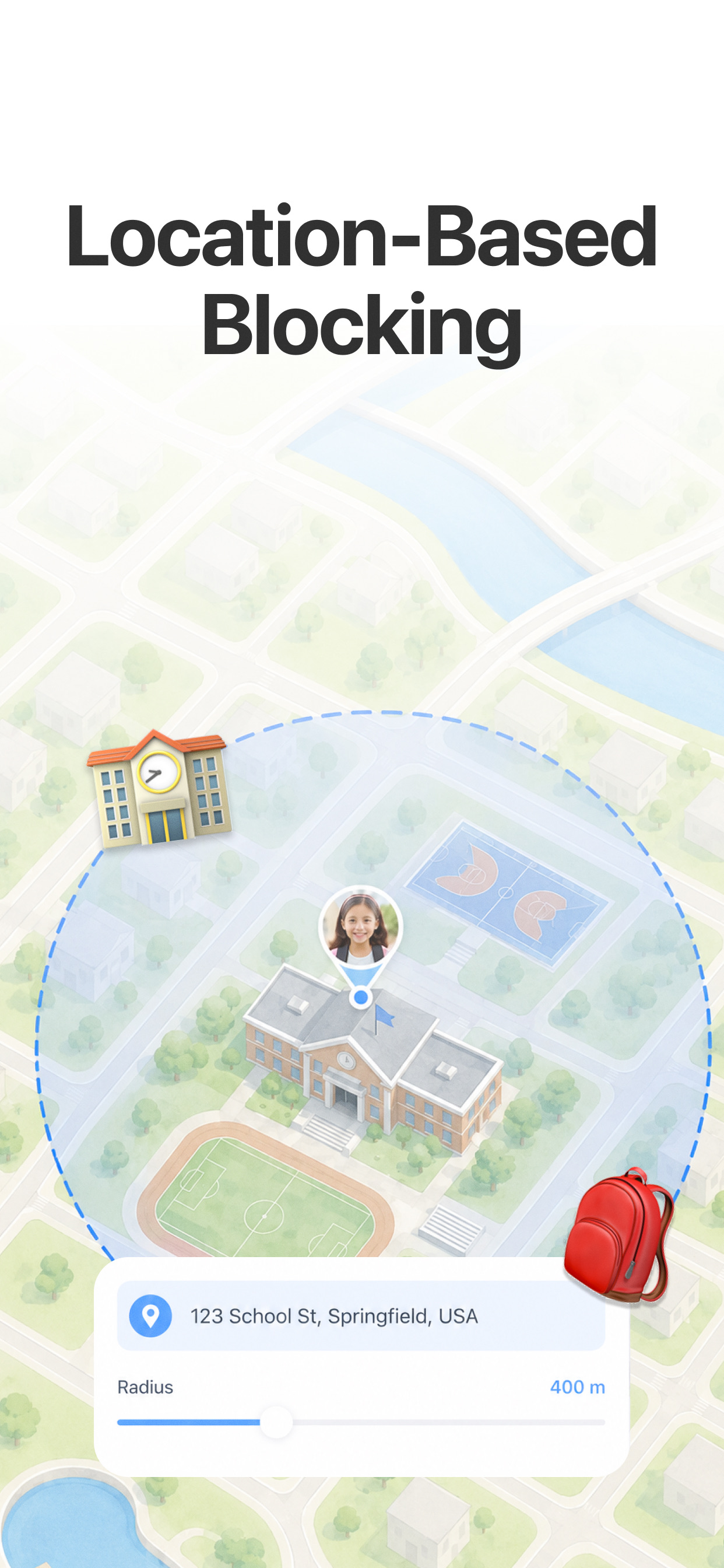
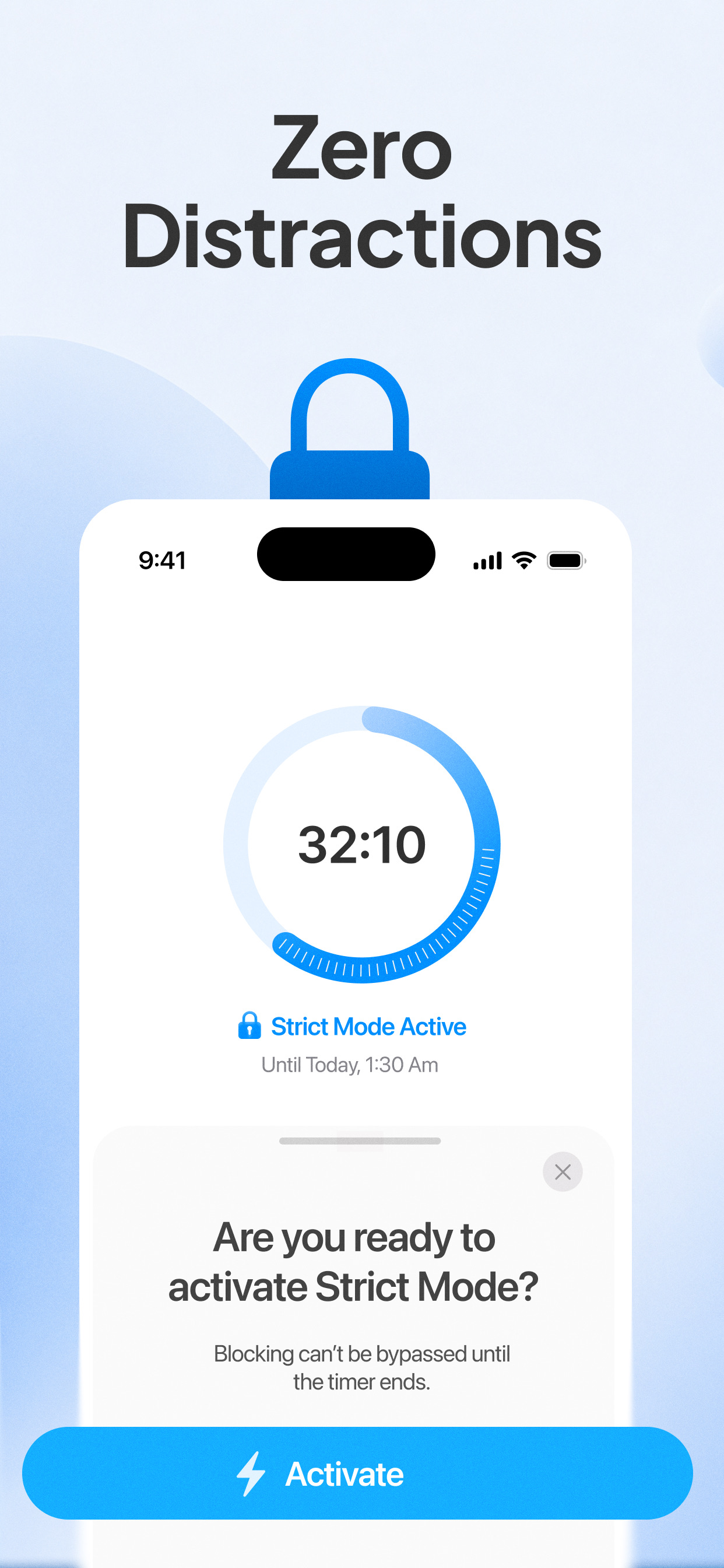
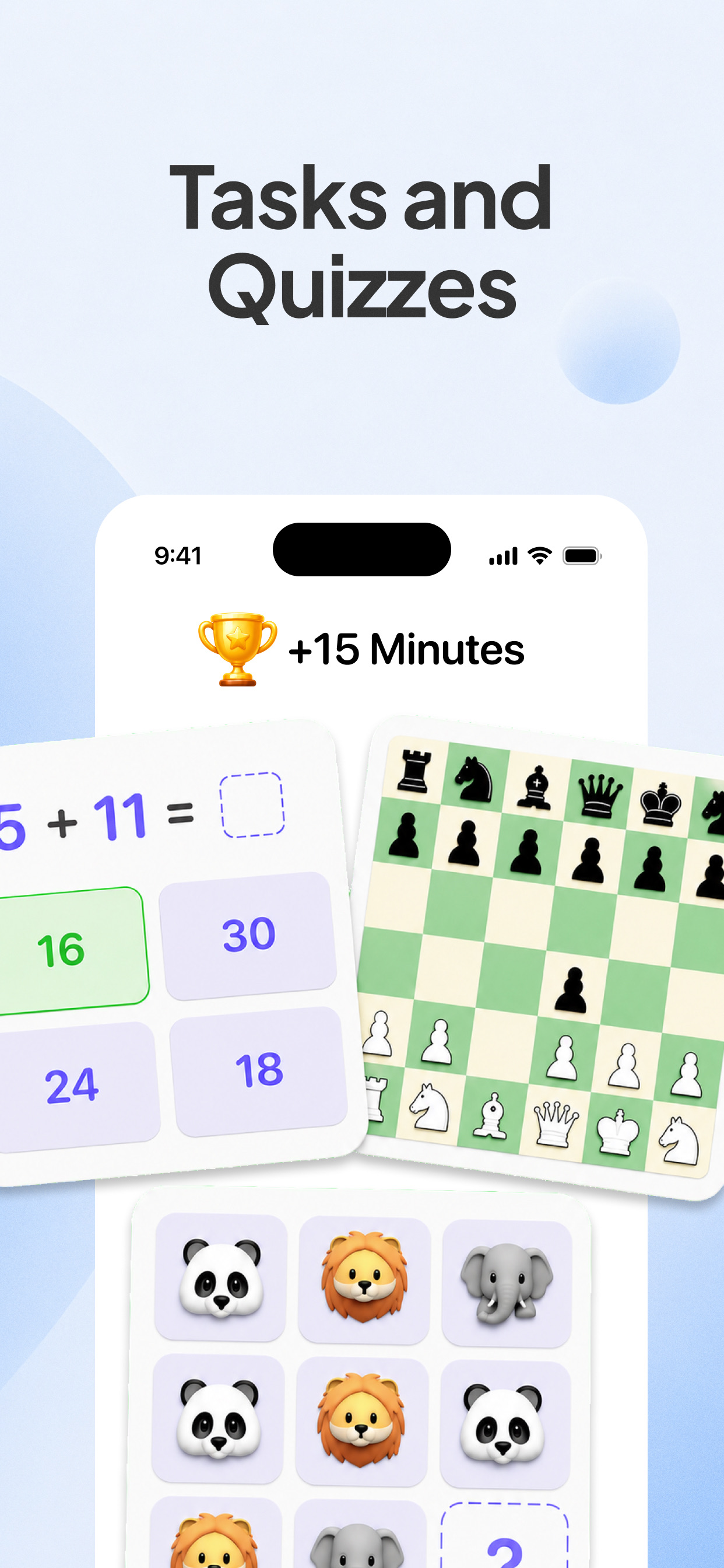

Every child faces different moments online. BlockerMax gives you calm, practical tools for each one.
Filter adult and harmful websites automatically, so exploring the web stays age-appropriate.
Set gentle daily limits so screens make room for school, play and rest.
Schedule downtime before bed so devices wind down when it's time to rest.
Limit risky apps and keep conversations age-appropriate as your child learns to be safe online.
Build consistent routines together that help screen time feel balanced, not constant.
Check protection status anytime and adjust rules from your own device.